Exclusive Aim utilizes advanced AI computer vision models. Please ensure your hardware meets the minimum specifications for your specific setup.
Console Setup
GPU: Nvidia RTX 2070 or better
Connection: Built-in Xbox / PlayStation Remote Play, or a capture card with supported controller output such as Titan Two / Macku.
A capture card is recommended. Built-in Remote Play needs no bypass device, and Macku can be used with or without a XIM.
OS: Windows 10/11 (64-bit)
Dual PC Setup
GPU: Nvidia RTX 3060 or better
Hardware: Capture Card + Titan Two OR Macku
OS: Windows 10/11 (64-bit)
Single PC Setup
GPU: Nvidia RTX 3060 or better
Hardware Output (Optional but Recommended): Choose a supported controller output such as Titan Two or Macku to match your setup.
OS: Windows 10/11 (64-bit)
Target Tracking
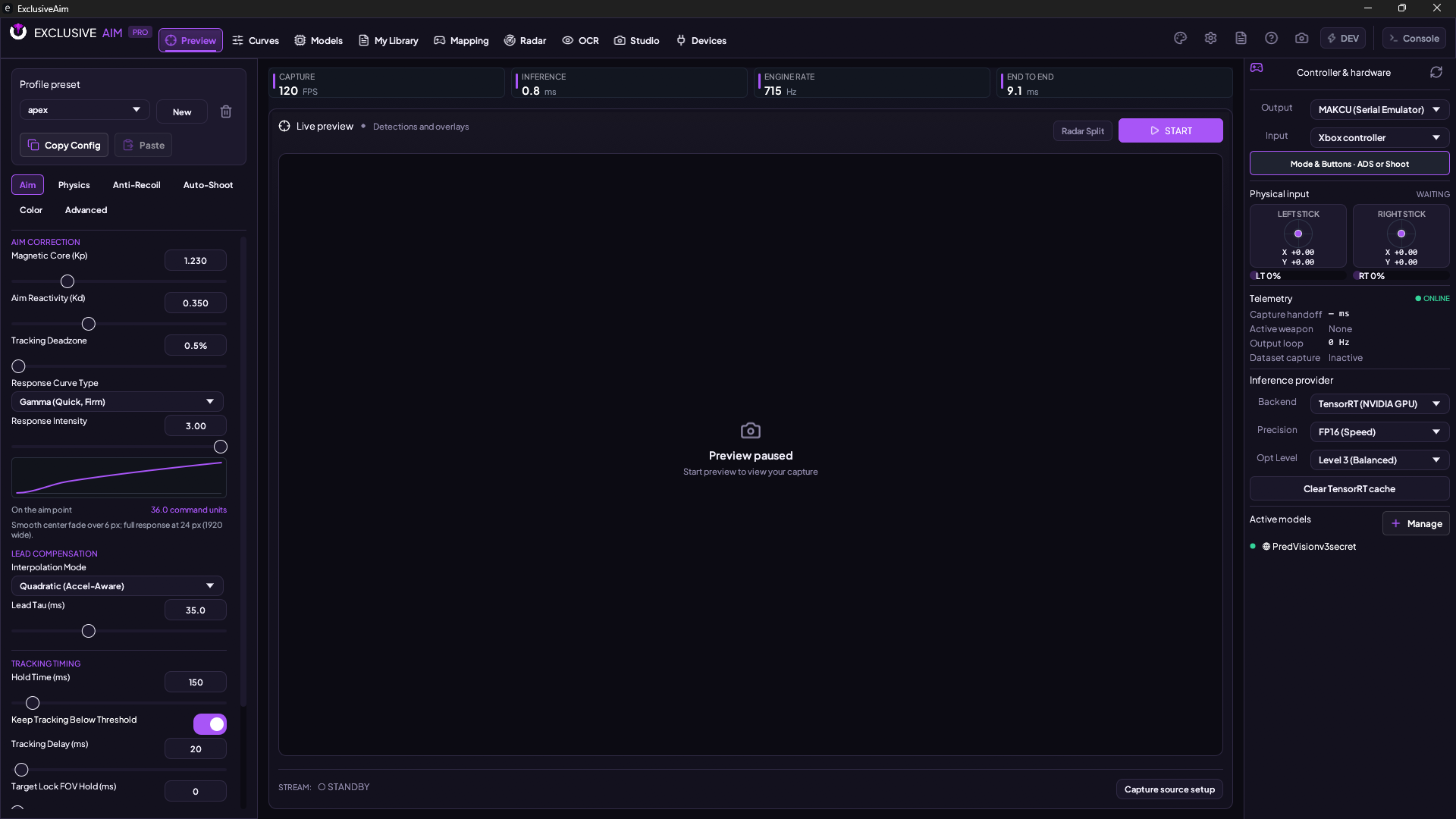
AI-driven neural precision with sub-pixel alignment, physics-based PID tracking, and fully configurable assistance profiles.
▸
AI aim assist (YOLO object detection)
▸
PID tracking with 1000Hz polling
▸
Multi-model stacking (up to 5)
▸
Custom FOV, speed & response curve
▸
ADS / Shoot / Always-On activation modes
▸
Dynamic Restricted Movement (Distance)
Stability Control
Dynamically stabilize weapon control with sophisticated algorithms and natural human-like variation.
▸
Normal & adaptive modes
▸
Humanized variance
OCR (Weapon Detection)
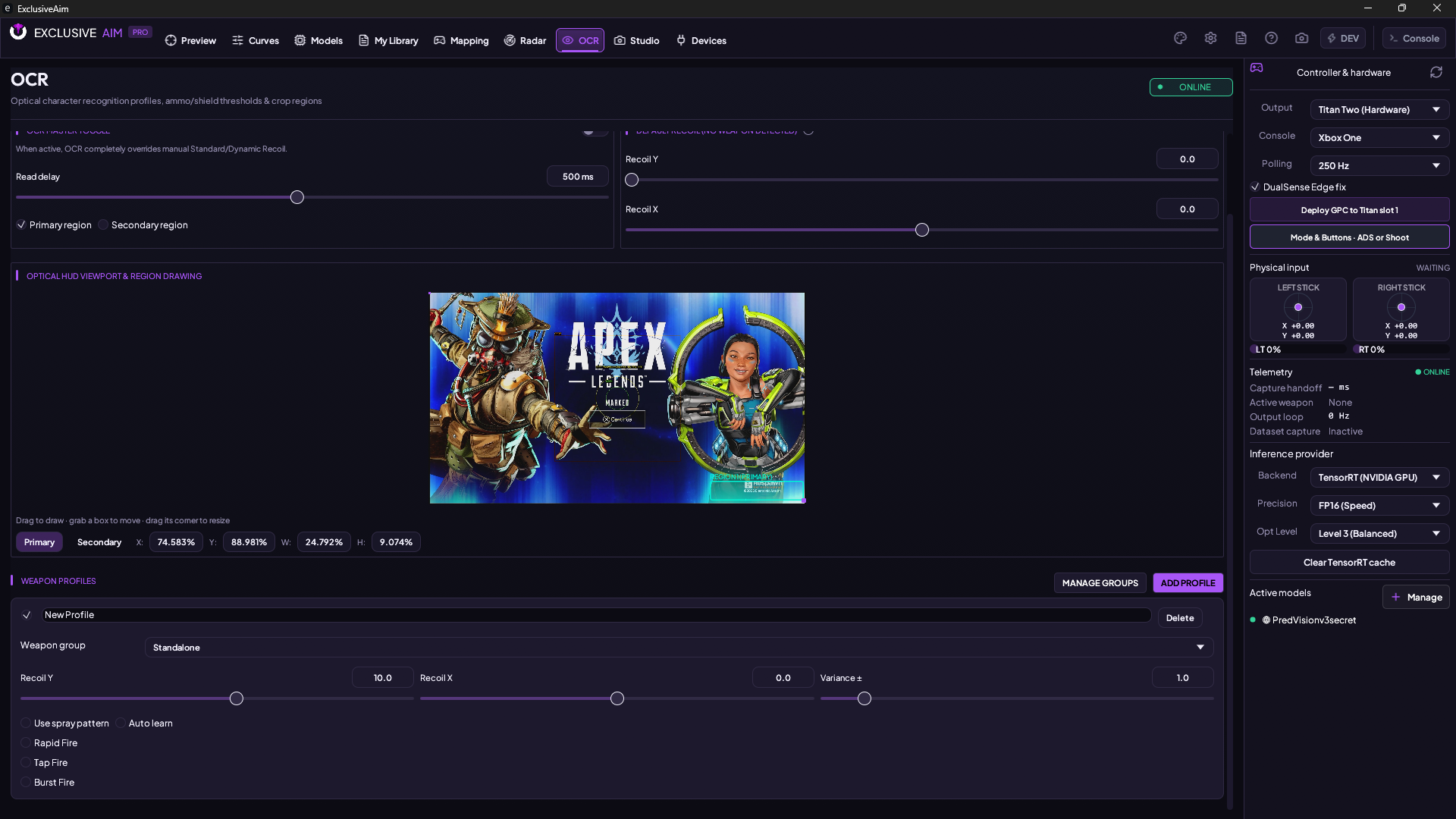
Automatically detect active weapons via on-screen text recognition. Per-weapon recoil profiles activate dynamically as you switch guns in-game.
▸
Real-time weapon name reading
▸
Per-weapon recoil profiles (X, Y, variance)
▸
Per-weapon rapid fire toggle
▸
Auto-switch on weapon swap
Reaction Engine
High-speed automated reaction when a target enters your focus zone, featuring enterprise-grade filtering and confidence thresholds.
▸
Auto-fire with distance & confidence threshold
▸
Configurable delay & hold time
Hardware Isolation
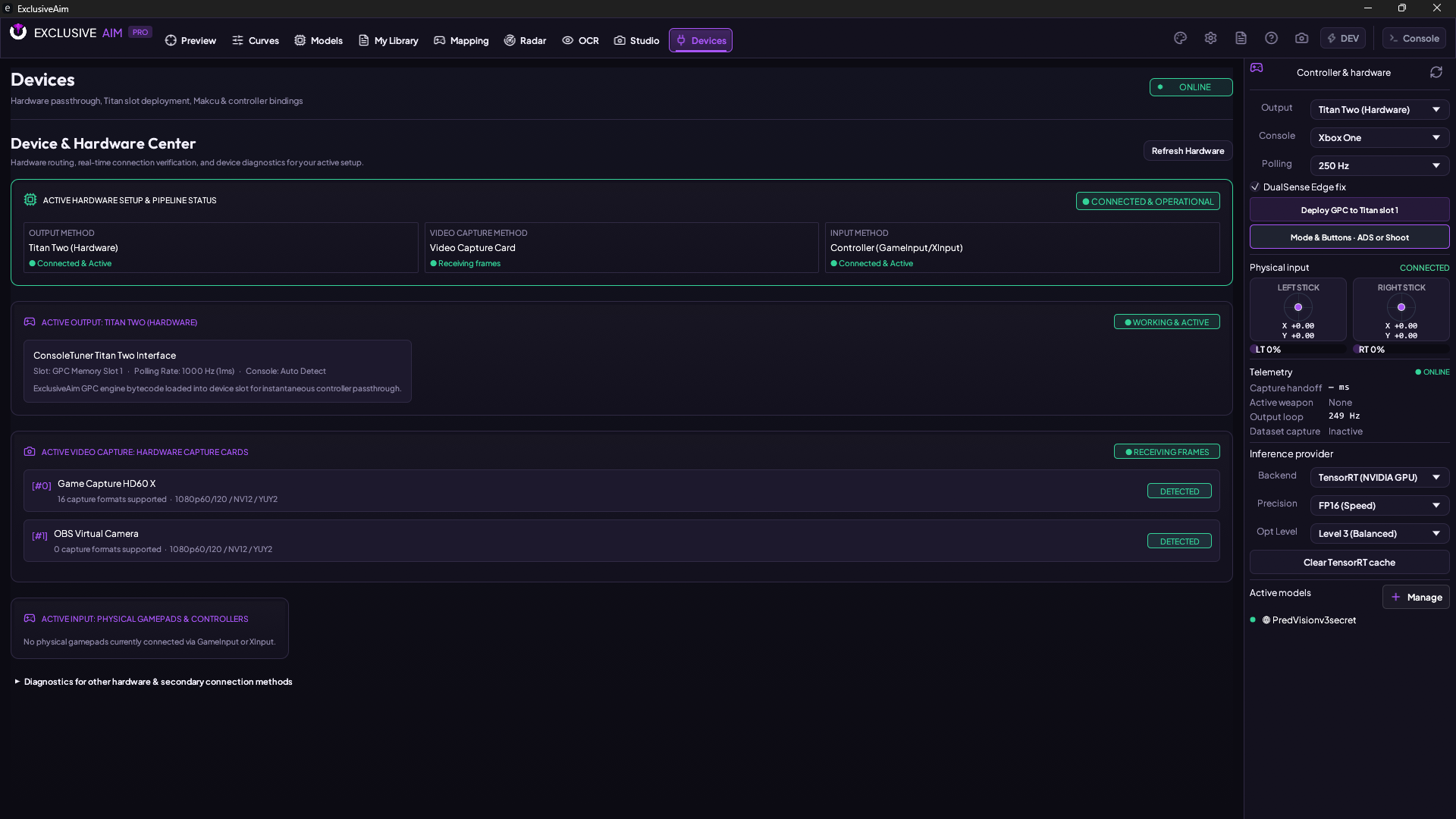
Elite hardware-level input translation via Titan Two or Macku devices for true external isolation. Fully compatible with professional-tier controllers and peripherals.
▸
Titan Two & Macku hardware output
▸
Controller & MnK support
▸
Custom button mapping & deadzone
Capture
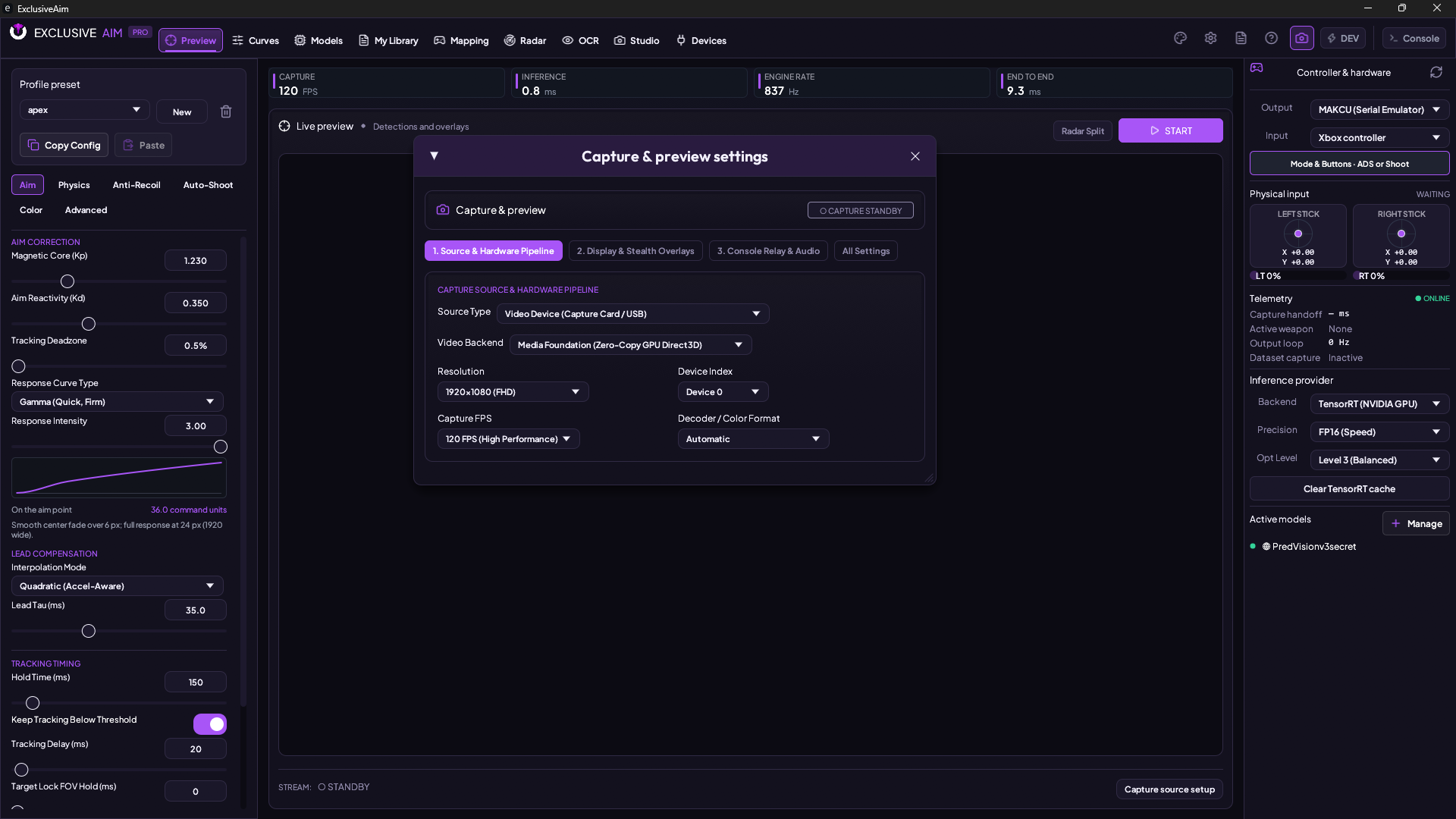
Hardware-accelerated video capture from any source — capture cards, monitors, or windows — with real-time preview and overlays.
▸
Capture card / monitor / window
▸
Configurable capture FPS · Live preview with overlays
Native interface & creative tools
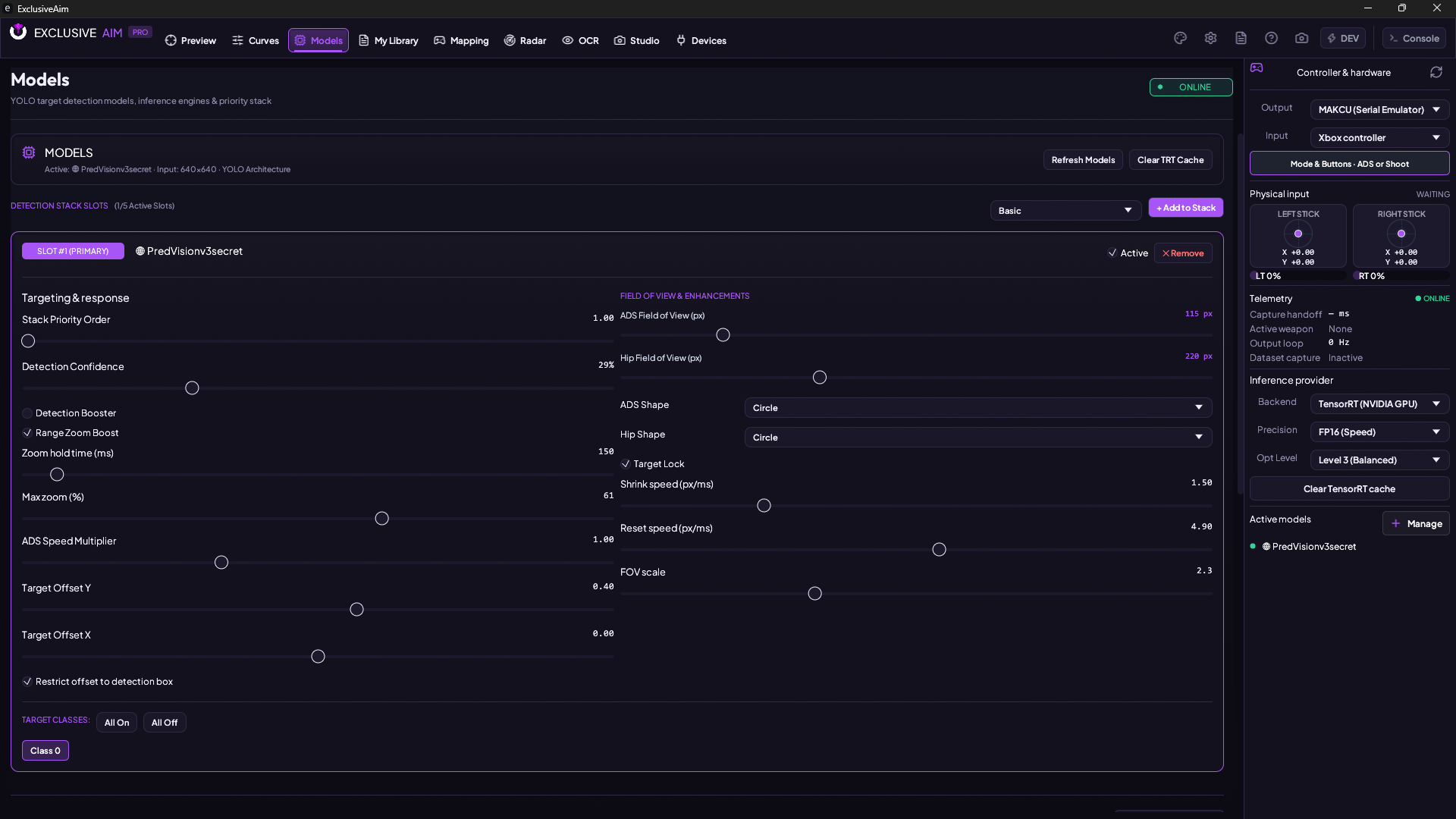
The native Rust dashboard keeps the C++ engine controls, live preview and your library in one Windows app.
▸
Model stacks, detection classes, confidence, offsets and FOV controls
▸
Built-in tracking and custom Lua scripts with configurable settings
▸
Controller mapping, activation modes and physical stick input display
▸
Recording, clip editing, radar and preview customization
▸
Developer tools for labeling, training and script editing
▸
Accent colors and a custom appearance palette
Guarded Architecture
Multi-layered security protocols. External-only implementation with zero game memory interaction. Experience complete isolation for your elite gaming environment.
▸
Stealth overlay (hidden from screen capture)
▸
Process spoofing
▸
XOR-encrypted config on disk
▸
No game injection — runs fully external
Cloud
Encrypted model downloads, community-driven sharing, and a full license key system with web dashboard management.